

Brands and certifications
Both are plain lists shared by all sites.
Brands
Section titled “Brands”Catalog > Brands lists who makes the products. Feeds add new brands as their products are added to the catalog. A new brand is neither a filter option nor shows its logo until you switch it on.
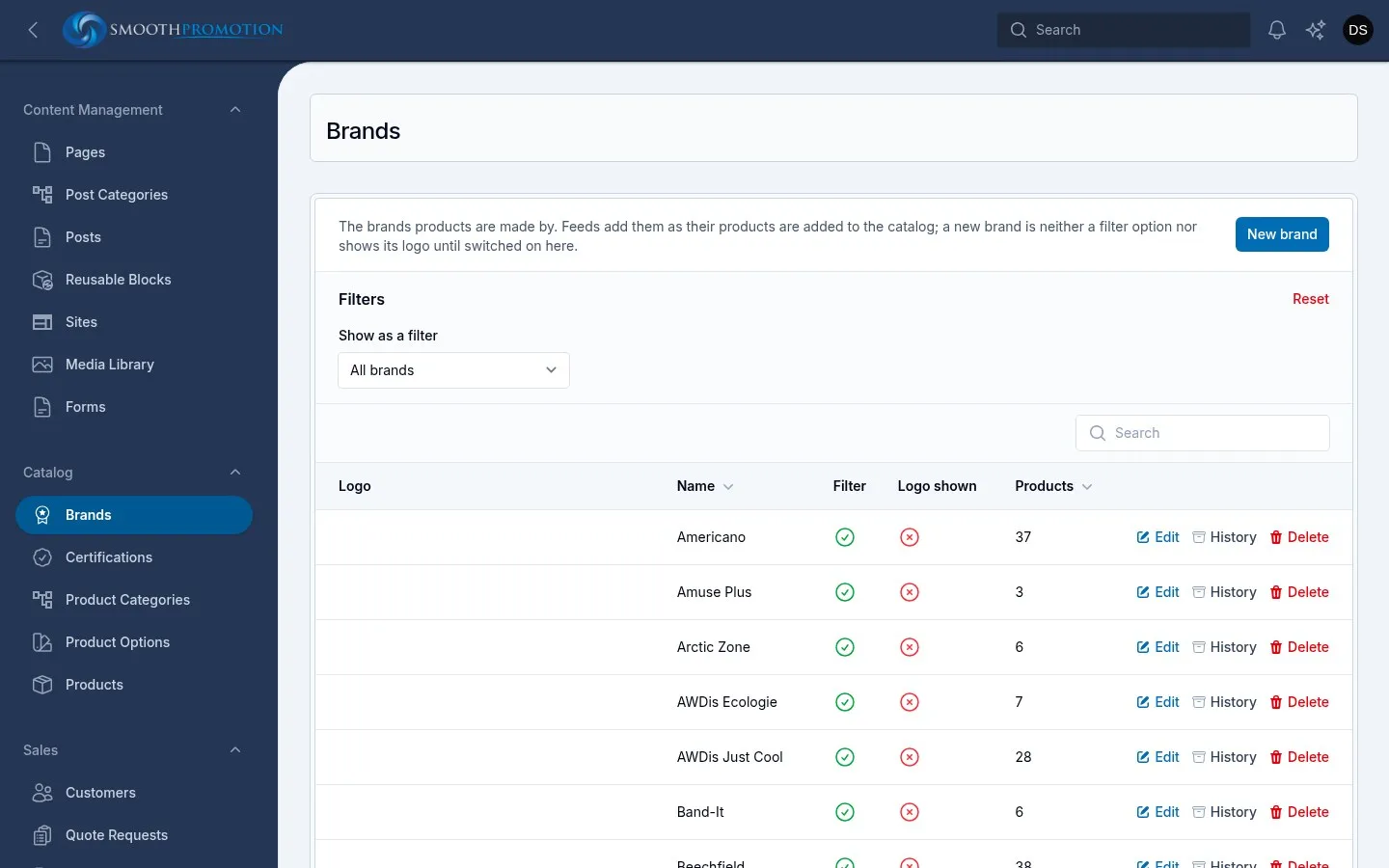
| Field | What it does |
|---|---|
| Name | The brand’s name. Feeds’ spellings of it (“FRUIT OF THE LOOM”, “Fruit of the Loom™”) all find this brand, so you can’t add a second brand that differs only in spelling. |
| Logo | SVG is best, or PNG or WebP on a transparent background. Crop it tight: logos are shown at the same area, so empty margin makes one look small. |
| Show as a filter | Lists it under Brand in the filters on category pages and search results. |
| Show logo | Shows the logo on its products. |
A product has one brand, set on its edit page. A feed’s brand follows the feed until you choose another, and then stays. Search looks at the brand name too.
Delete takes the brand off its products; they keep their names.
Certifications
Section titled “Certifications”Catalog > Certifications lists the certifications, audits and compliance products are stated to have. They say what the supplier states, not a checked certificate. They appear under “Certifications and audits” on the product page.
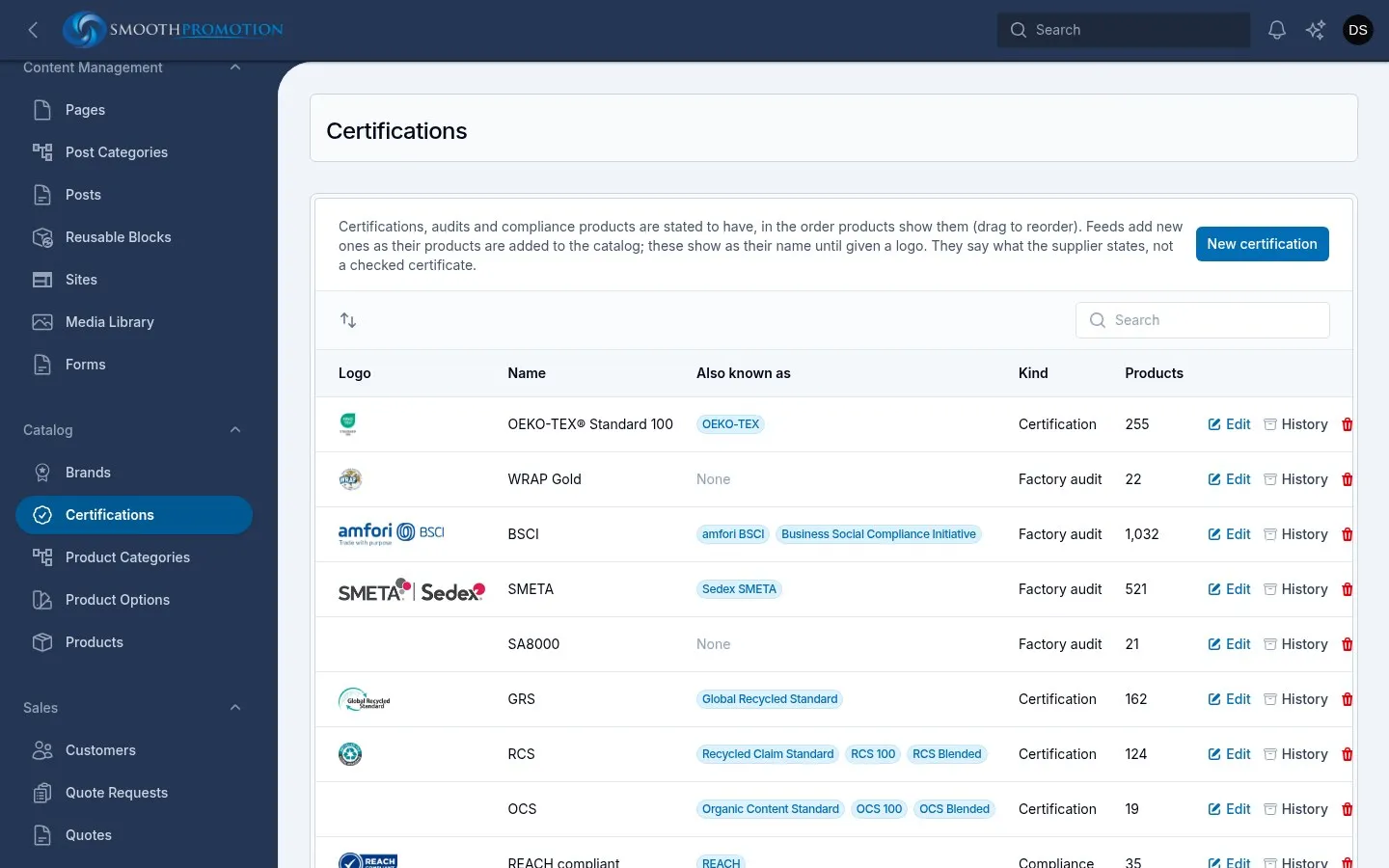
Drag to set the order products show them in. Feeds add new ones as their products are added to the catalog, and these show as their name until given a logo.
| Field | What it does |
|---|---|
| Name | What customers see when there is no logo, and the logo’s alt text. |
| Also known as | Other names feeds write it as (“OEKO-TEX®”, “Oeko-Tex Standard 100”). Case, spaces, punctuation and ® don’t matter. A name can belong to only one certification. |
| Kind | Factory audit, Certification or Compliance. |
| Logo | Without one, its name is shown. Crop it tight to the mark. |
Delete takes it off its products: they no longer show it.