

Settings
System > Configuration > Settings holds a few settings that belong to the whole system. Managers and super admins can open it. Everything here applies to every site. Settings for one site are on the site: see Setting up a site, Catalog settings and Sales setup.
Change what you need and press Save (or Ctrl/Cmd + S). All sections save together.
General
Section titled “General”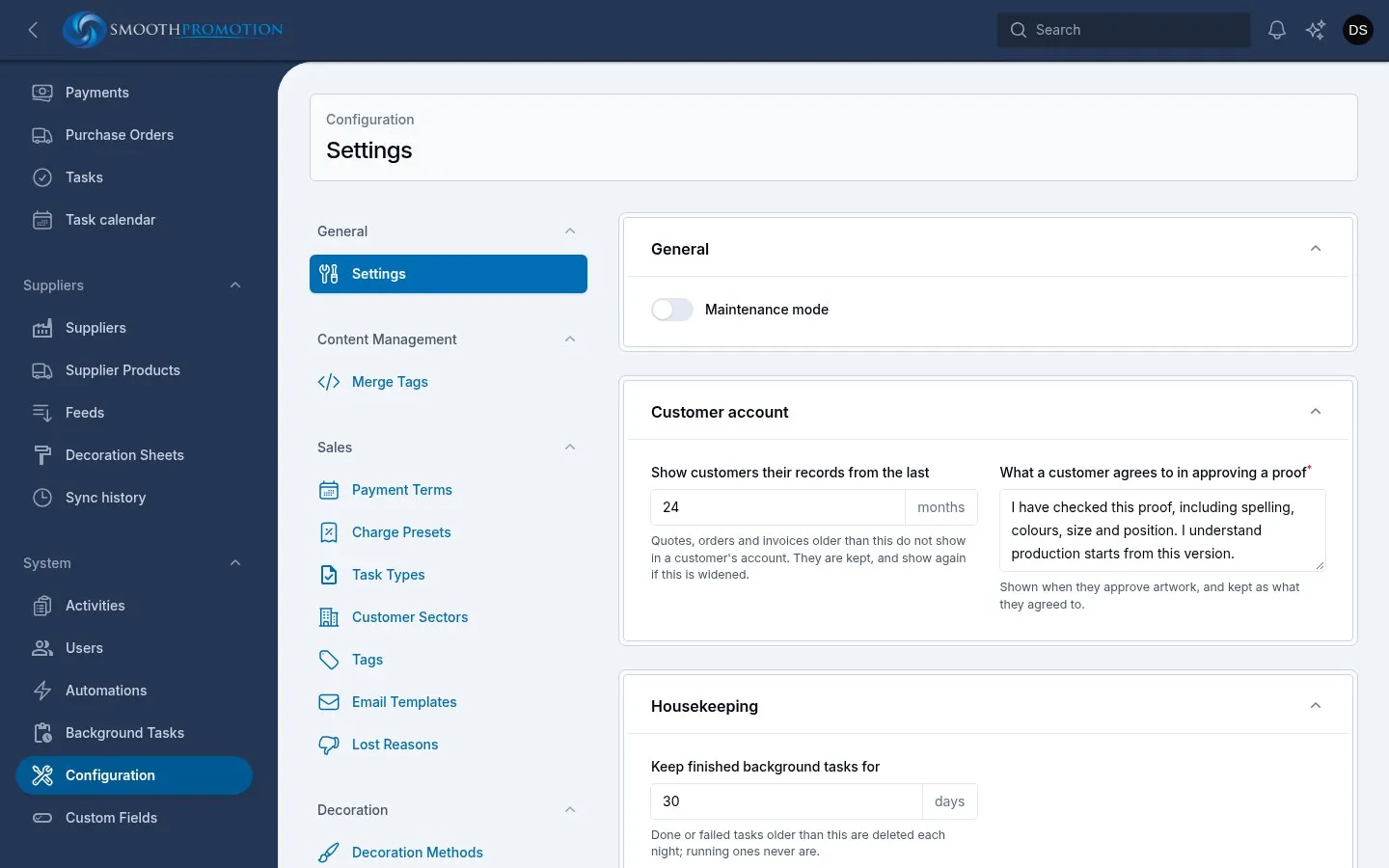
| Setting | What it does |
|---|---|
| Maintenance mode | Nothing uses this switch yet. Turning it on does not take any site offline. |
Customer account
Section titled “Customer account”What customers see when they sign in to their account.
| Setting | Starts at | What it does |
|---|---|---|
| Show customers their records from the last (months) | 24 | Quotes, orders and invoices older than this don’t show in a customer’s account. They are kept, and show again if you widen it. Blank shows them all. |
| What a customer agrees to in approving a proof | A standard wording | Required. Shown when a customer approves artwork, and kept as what they agreed to. Changing it doesn’t alter what earlier approvals agreed to. |
Housekeeping
Section titled “Housekeeping”How long the system keeps its logs and working files. Anything older is deleted each night and can’t be brought back. Blank keeps it for good.
| Setting | Starts at | What goes |
|---|---|---|
| Keep finished background tasks for (days) | 30 | Done or failed background tasks. Running ones never go. |
| Keep the activity log for (days) | 365 | Entries in the activity log, and so in each record’s History. |
| Keep sync inputs for (days) | 14 | What each feed sync read from its supplier, kept so a run can be replayed. The run stays in Sync history. Each feed’s latest sync keeps its inputs whatever their age. |
| Keep stock sync inputs for (days) | 2 | What each stock sync read. A replay leaves stock alone, so these only explain recent stock levels. |
| Keep the automation run log for (days) | 90 | Old automation runs. |
| Keep failed automation runs for (days) | 365 | Failed runs, kept longer so a problem can still be looked into. |
Shortening a period takes effect at the next nightly clean-up, so check the number before you save.
Other settings
Section titled “Other settings”These aren’t on this screen: