

Catalog settings
How a site’s storefront treats products. Open the site, then Catalog (under Commerce). Each setting applies to that one site, so two sites can sell the same products differently. A site that has never saved this page uses the defaults below.
Out-of-stock products
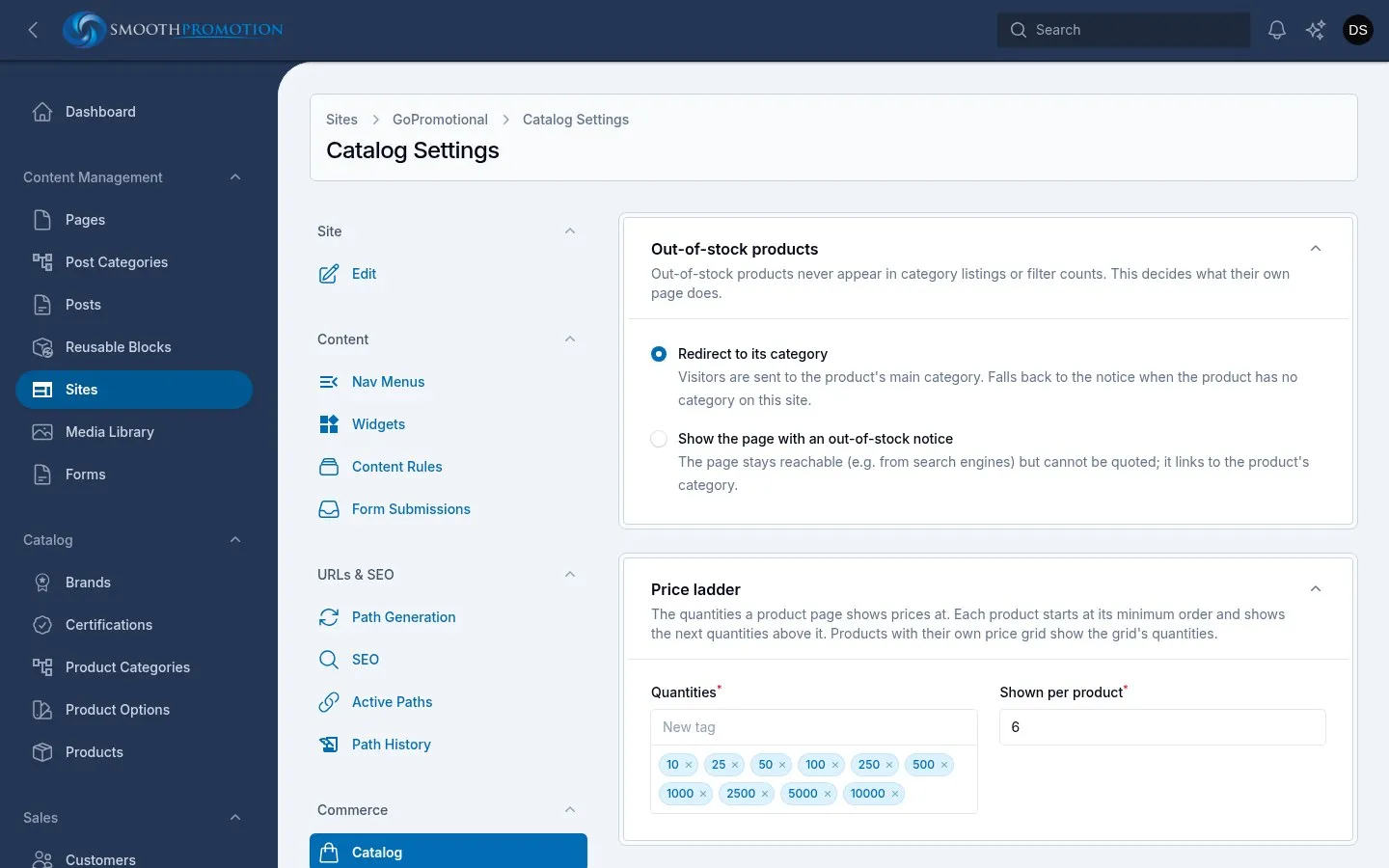
Section titled “Out-of-stock products”Out-of-stock products never appear in a site’s category listings or filter counts, whichever you choose here. This decides what their own page does.
| Option | What it does |
|---|---|
| Redirect to its category (the default) | Visitors are sent to the product’s main category. If the product has no category on the site, they get the notice instead. |
| Show the page with an out-of-stock notice | The page stays reachable, for example from search engines, but can’t be quoted. It links to the product’s category. |
The redirect is temporary (a 302), so the page comes back when stock does. Staff using Preview always see the page itself.
Price ladder
Section titled “Price ladder”The quantities a product page shows prices at.
| Field | What it does | Default |
|---|---|---|
| Quantities | The ladder. Type each and press Enter. They are sorted when saved. | 10, 25, 50, 100, 250, 500, 1000, 2500, 5000, 10000 |
| Shown per product | How many columns of prices a product shows, 1 to 12. | 6 |
Each product starts at its own minimum order, then shows the next ladder quantities above it. With the defaults, a product with a minimum of 50 shows 50, 100, 250, 500, 1000 and 2500, and one with a minimum of 60 shows 60, 100, 250, 500, 1000 and 2500.
Products with their own price grid show the grid’s quantities instead.
Prices each
Section titled “Prices each”What “price each” means on product pages, and the From price on product cards.
| Option | Example |
|---|---|
| The goods alone, setup shown apart (the default) | 50 at £3.00 each, plus £25.00 setup. |
| Including setup and other one-off charges | 50 at £3.50 each, the £25.00 setup spread over them. Small orders show dearer prices each. |
Order totals are the same either way, and the order summary always lists the setup.
The storefront’s prices change as soon as you save. The search index holds each site’s From price too, so changing this setting rebuilds it in the background, and prices in search results catch up when that finishes.