

Sites
One admin panel runs several storefronts. A site is one of them: a domain, a theme and a set of choices about what that domain shows. The products, pages and posts are written once and shared, and each site decides which of them it carries and how they look there. Nothing is copied between sites, so correcting a product corrects it everywhere it appears.
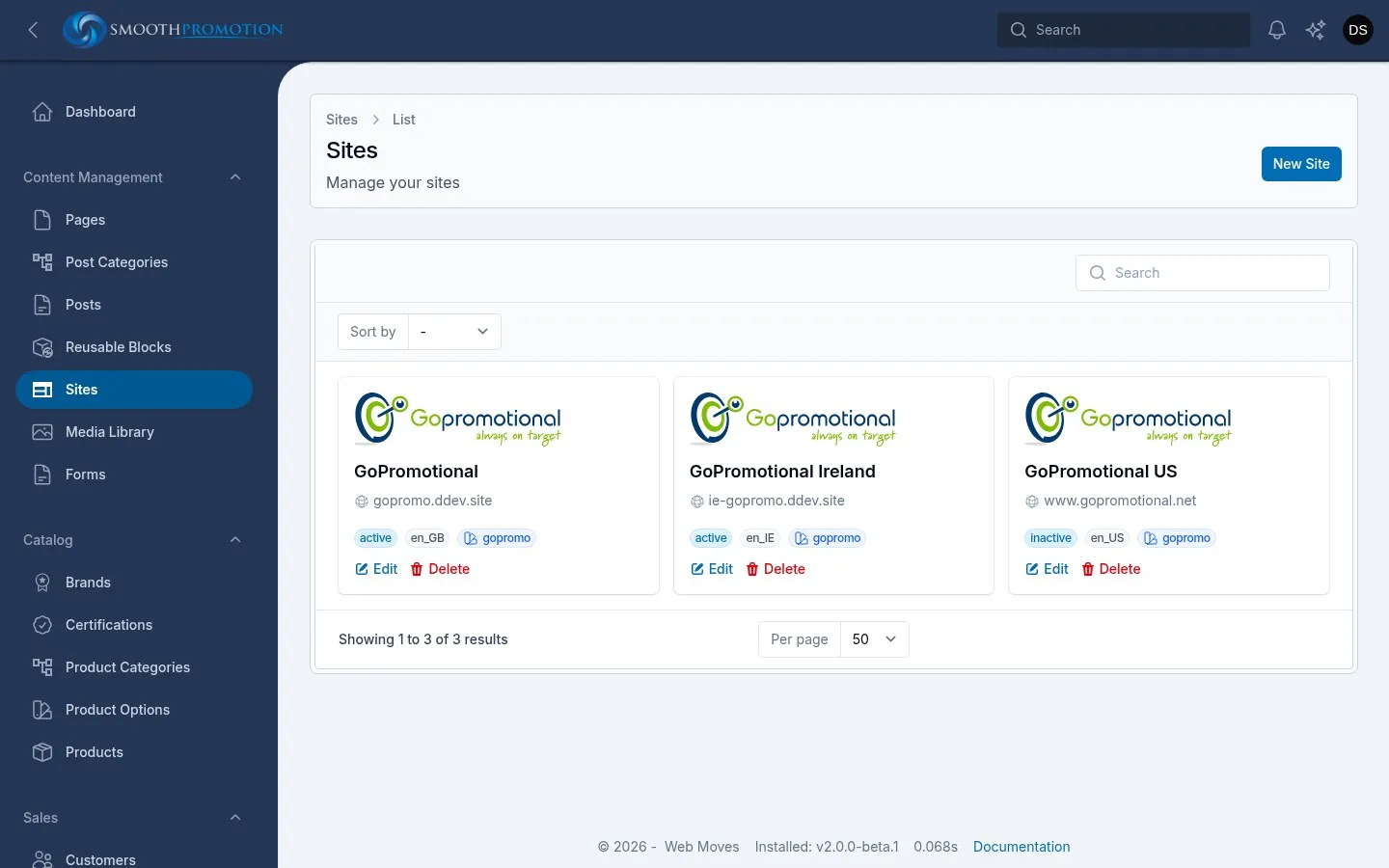
Sites live under Content Management > Sites. Each site is a card showing its logo, name, domain, status, locale and theme. Only managers and super admins can open them (roles).
What is shared and what is per site
Section titled “What is shared and what is per site”| Written once, shared by every site | Set per site |
|---|---|
| Products, product categories | Which of them the site carries (content rules) |
| Pages, posts, post categories and tags | Domain, theme, logo, favicon, front page, contacts (setting up) |
| Reusable blocks and merge tags | URL patterns, custom URLs and redirects |
| Field sets and custom fields | SEO templates and defaults |
| Menus and widgets | |
| Wording changes on any page, product or category | |
| Which template a kind of entry uses | |
| Catalog settings and sales settings |
Quotes, orders and invoices each belong to the one site they came from.
The site’s side menu
Section titled “The site’s side menu”Open a site and its pages are in a side menu:
| Heading | Page | What it is for |
|---|---|---|
| Site | Edit | Domain, theme, logo, SEO defaults, contacts |
| Content | Nav Menus | Header, footer and sidebar menus |
| Content | Widgets | Site-wide widgets and the defaults for each type |
| Content | Content Rules | What the site carries |
| Content | Form Submissions | What visitors sent through the site’s forms |
| URLs & SEO | Path Generation | How URLs are built |
| URLs & SEO | SEO | Meta title and description templates |
| URLs & SEO | Active Paths | Every live URL on the site |
| URLs & SEO | Path History | Redirects and retired URLs |
| Commerce | Catalog | Out-of-stock pages and prices each |
| Commerce | Sales | Currency, tax and business details |
Seeing a site from an entry
Section titled “Seeing a site from an entry”You can also come at it from the other side. On the edit page of a page, post, product or category:
- Available On, in the Status section, lists the sites it is on or will be on. Each has View if it is live there (otherwise Not live), and Preview if it has a URL there. Preview shows the entry as saved, in that site’s theme, even if it is a draft.
- The Active Links tab lists its live URL on each site, and the Redirects tab its old URLs.
- The list pages have a Sites column and a Live on filter.