

Users
System > Users holds the staff accounts for the admin panel. Only a super admin can open it. An account covers every site. Customers are not here: see Customers.
Adding someone
Section titled “Adding someone”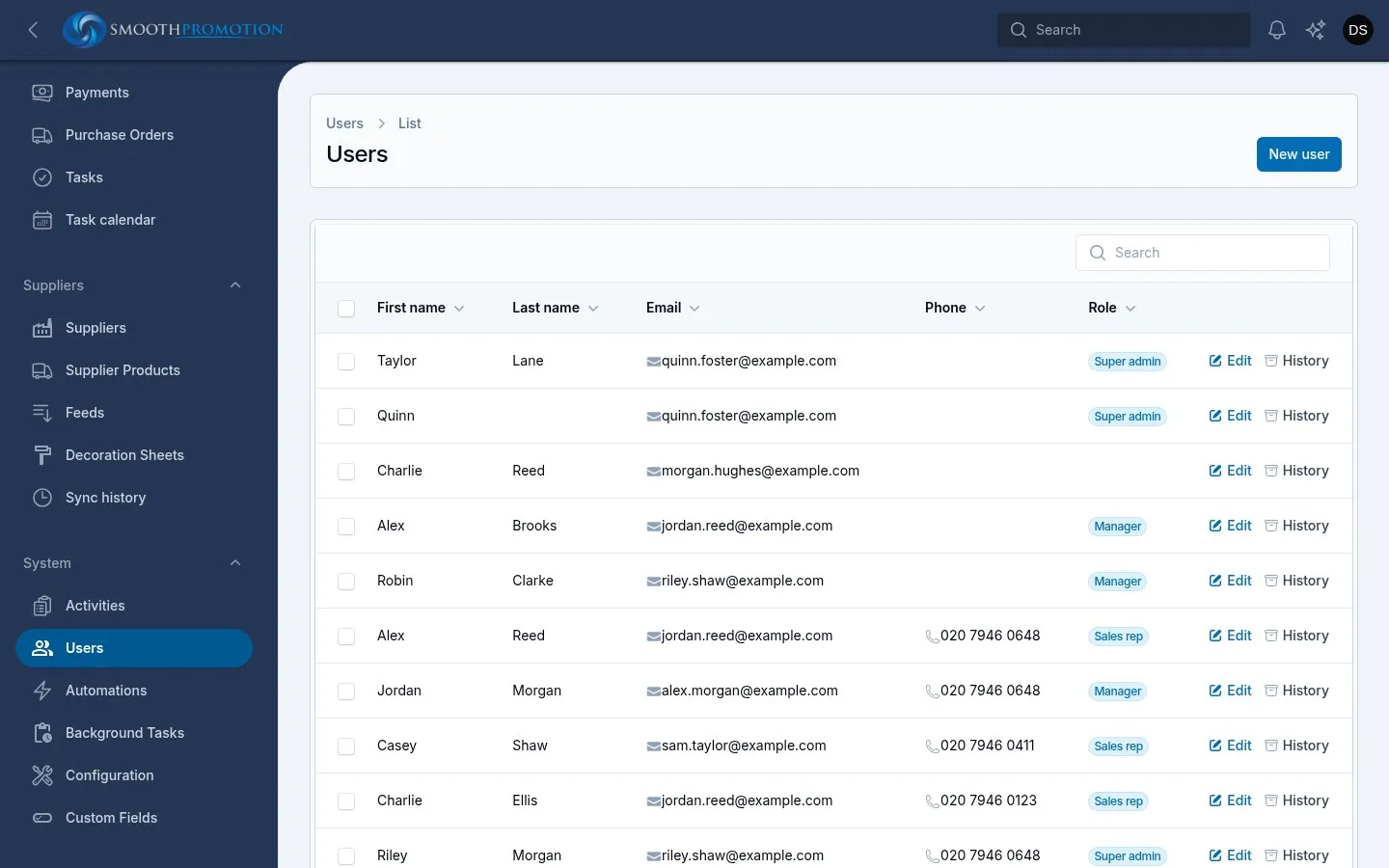
- New user, then fill in First Name, Last Name and Email. Phone is optional.
- Set a Password and confirm it. Tell them what it is, or have them use Forgot password? on the sign-in page to choose their own.
- Tick a Role in the side panel. Each one shows what it allows. See Roles.
Each email address can be used only once.
Changing a role or password
Section titled “Changing a role or password”Open the person with Edit. To reset a password, fill in New Password and confirm it. Leave it blank to keep the current one.
Everyone can change their own name, email, phone and password from their profile, but not their own role.
Who counts as a rep
Section titled “Who counts as a rep”Lists that offer a rep, such as a customer’s owner, show everyone who works with customers: sales reps, accounts, managers and super admins. There is no separate setting for it.
Author details
Section titled “Author details”Staff who write content are shown with it on the storefront as its author: posts, product categories and products. As an author on the user’s page holds what is shown:
| Field | Notes |
|---|---|
| Photo | JPEG, PNG or WebP. Shown square, cropped to the middle. |
| Job title | |
| Bio | Bold, italic, links and bullet lists. |
| Social links | A Network and an Address for each: LinkedIn, X, Facebook, Instagram, YouTube or a website. Shown beside the bio as “Connect with” and their first name. The arrows reorder them. |
These details are the same on every site. People can’t edit them from their own profile, so a super admin does it here.
Deleting someone
Section titled “Deleting someone”Delete on the user’s page or the list removes the account for good. Their records stay, with the link to them emptied:
- Customers they owned have no owner, so they go back to the pool, where reps can take them.
- Quotes, orders, invoices and purchase orders stay, with no owner, as do the notes and history they wrote.
- Tasks assigned to them stay, assigned to nobody.
- Content they authored stays, with no author.
So before deleting a rep, move their customers to someone else, or removing their role may be the better choice.
History
Section titled “History”History on the list or the user’s page shows changes to the account: name, email, phone and roles, with who changed them and when. Passwords are never recorded. See the activity log.