

SEO
The title and description search engines see are set in layers, so you only write what differs:
| Layer | Where | Applies to |
|---|---|---|
| The entry’s own SEO | The entry’s edit page, SEO section (a tab on products) | That entry, on every site |
| SEO template | The site’s SEO page | All of one type, on that site |
| Site defaults | The site’s Edit page, SEO Defaults tab | The whole site |
Each of the three values is worked out on its own, using the first that has one:
| Value | In order |
|---|---|
| Title | The entry’s SEO, the template, the entry’s own title on that site, the site’s Default Meta Title |
| Description | The entry’s SEO, the template, the site’s Default Meta Description, otherwise none |
| Indexing | The entry’s SEO, the template, the site’s setting, otherwise indexable |
Every entry has a title, so in practice a page with no template shows its own title, and Default Meta Title rarely appears.
SEO templates
Section titled “SEO templates”Open the site, then SEO, then Add SEO Template. There is one template per type on each site, and a type with none falls through as above.
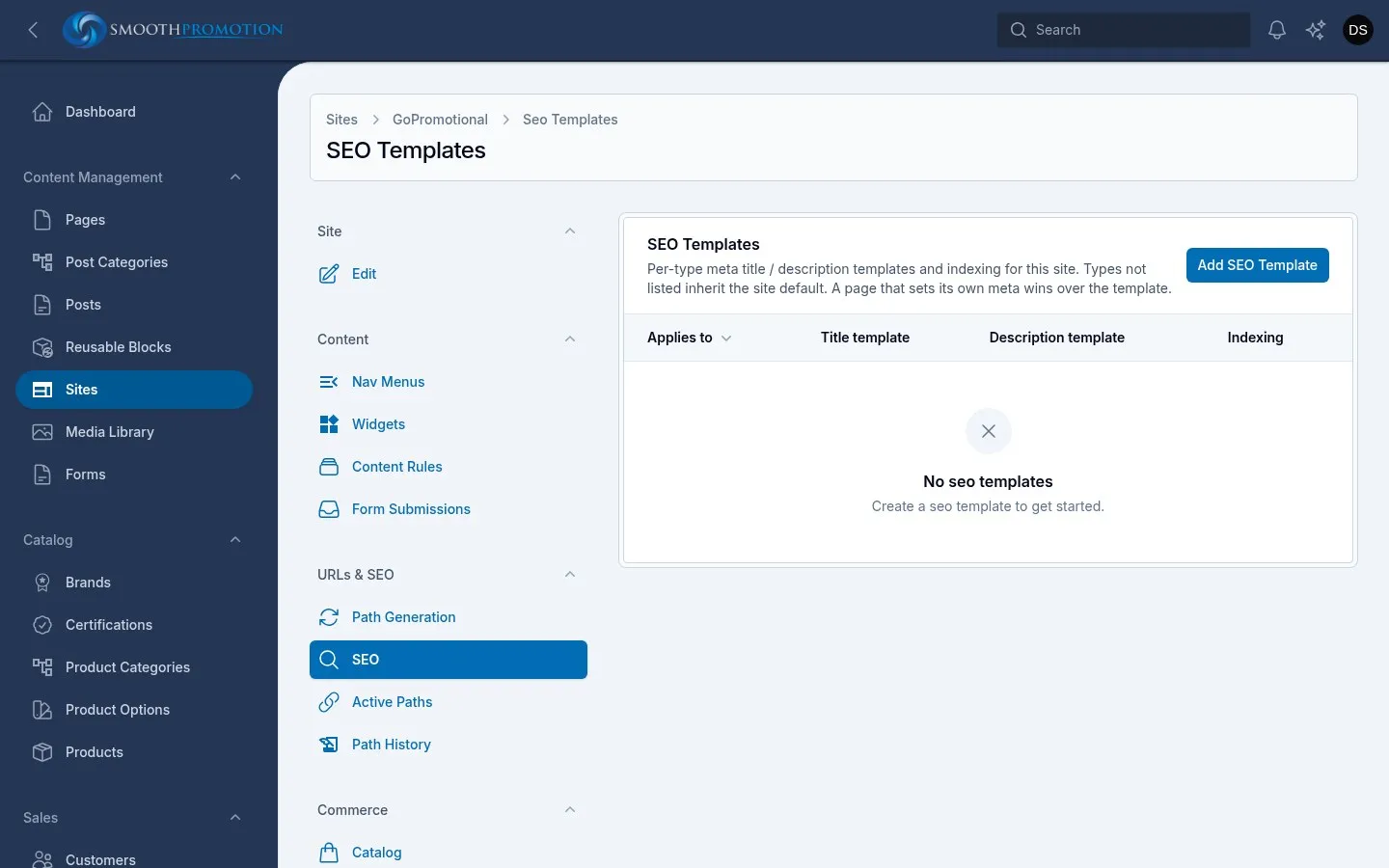
| Field | What it does |
|---|---|
| Applies to | The content type or taxonomy. It can’t be changed afterwards. |
| Meta title template | The title, with merge tags. |
| Meta description template | The description, with merge tags. |
| Discourage search engines (noindex) | On asks search engines not to index this type on this site. |
A template’s title is used exactly as written, with nothing added. To show the site’s name after the title, include it:
{{this.title}} | {{site.name}}The merge tags you can use:
| Tag | Gives |
|---|---|
{{this.title}}, {{this.description}} |
The entry’s value, including its override for this site. {{this.name}} on types with a name instead of a title. |
{{site.name}}, {{site.domain}}, {{site.url}} |
The site’s details. |
{{company_name}} and others |
The merge tags you manage yourself. |
Reset to default deletes a template, so the type falls through as above.
Saving or resetting rebuilds that type on that site in the background, so titles change a little later.
Previewing
Section titled “Previewing”An entry’s SEO section shows a Per-site SEO preview: one row for each site whose rules include it, with the title, description and indexing that apply, and where each comes from (from site template or inherits site default).
It shows the template as written, with its merge tags, not the finished text. It reflects what has been saved, not what you are typing. It disappears while the entry overrides, as the entry then uses the same values everywhere.
To see the real result, use Preview under Available On and view the page’s source, or look at the live page.
Setting SEO on one entry
Section titled “Setting SEO on one entry”In the entry’s SEO section, turn on Override the site SEO template:
| Field | What it does |
|---|---|
| Meta Title | Blank uses the entry’s own title. The template is not used while overriding. |
| Meta Description | Blank uses the site’s default description. |
| Indexable | Off asks search engines not to index this entry. |
This is all or nothing: while it is on, the template is ignored for this entry, even for fields you
left blank. Merge tags work here too. It applies on every site the entry appears on, so use
{{site.name}} rather than typing a site’s name. Turn it off and the entry goes back to the
templates; what you typed is kept in case you turn it on again.
Hiding a whole site
Section titled “Hiding a whole site”Allow search engines to index this site on the SEO Defaults tab asks search engines to leave out the site’s pages.